Creator Connect – Artist Networking Platform
Project Overview
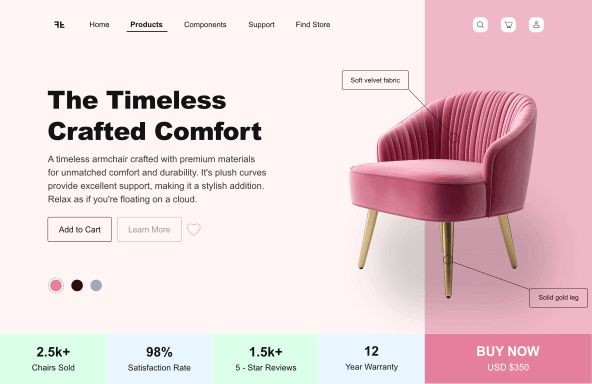
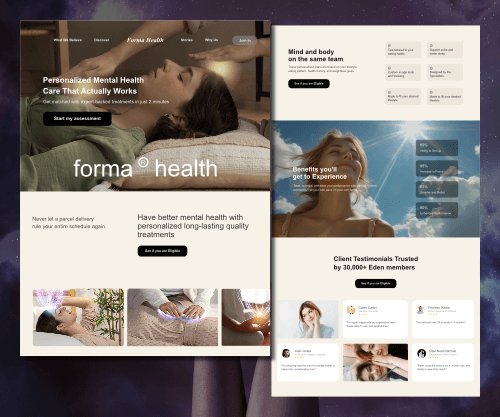
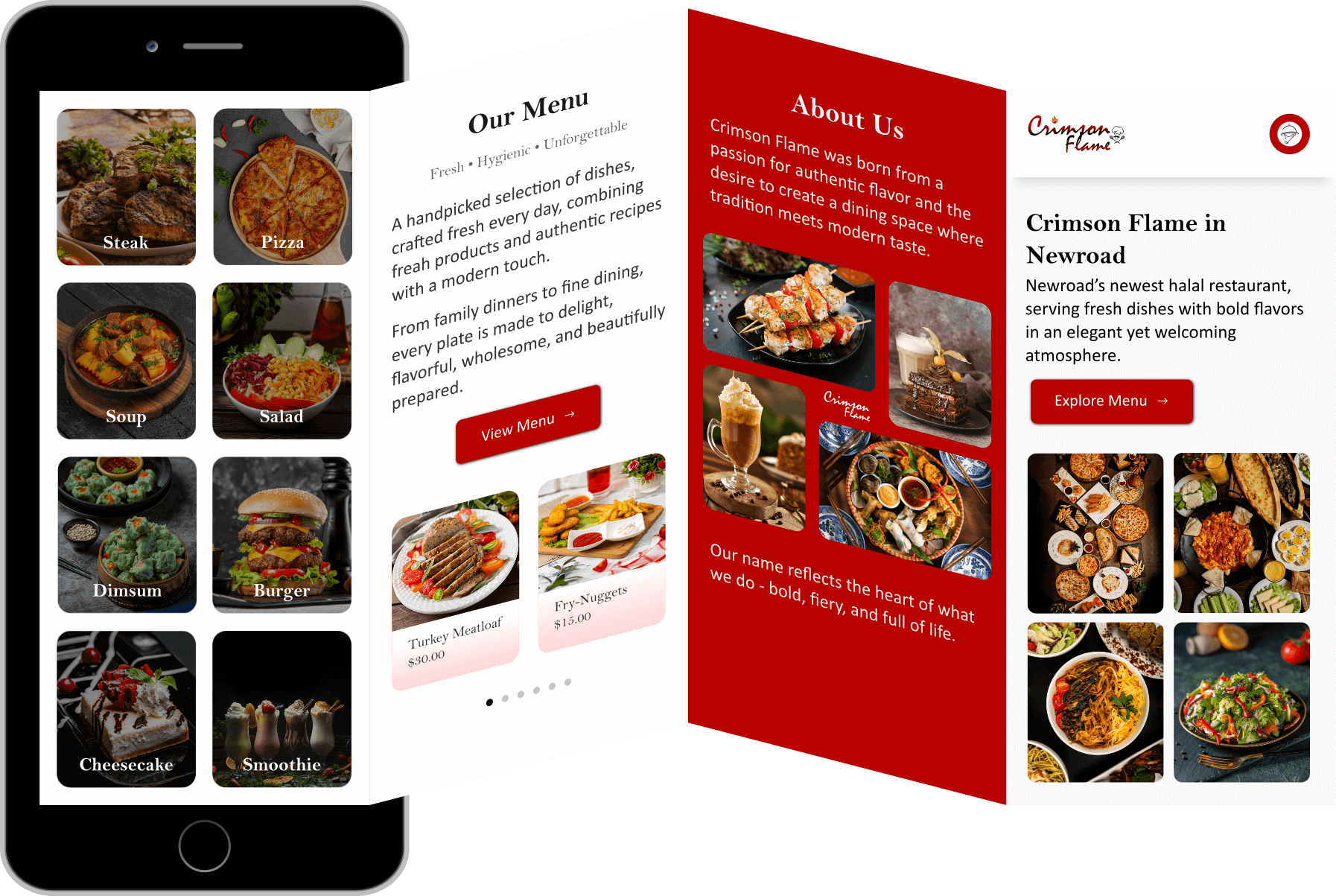
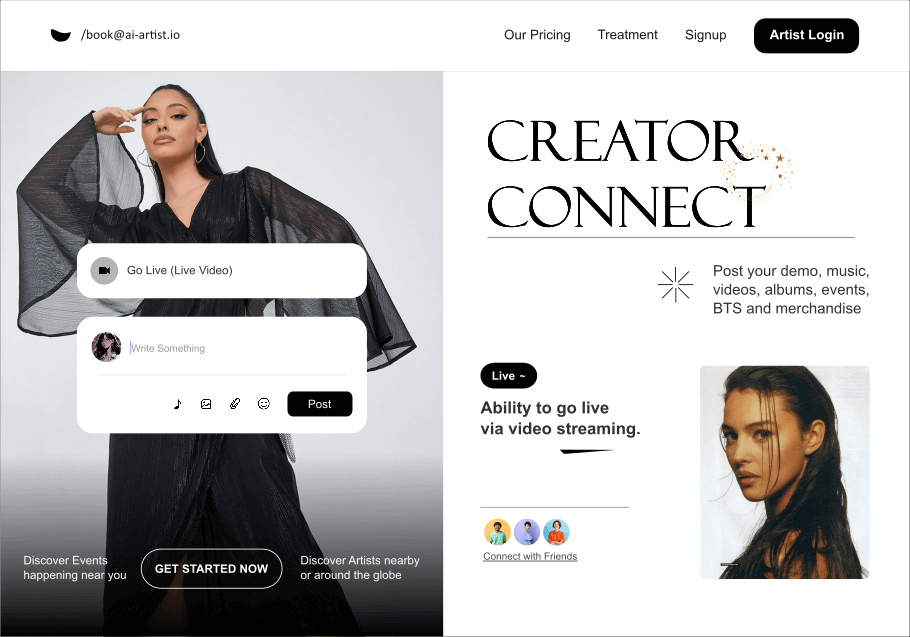
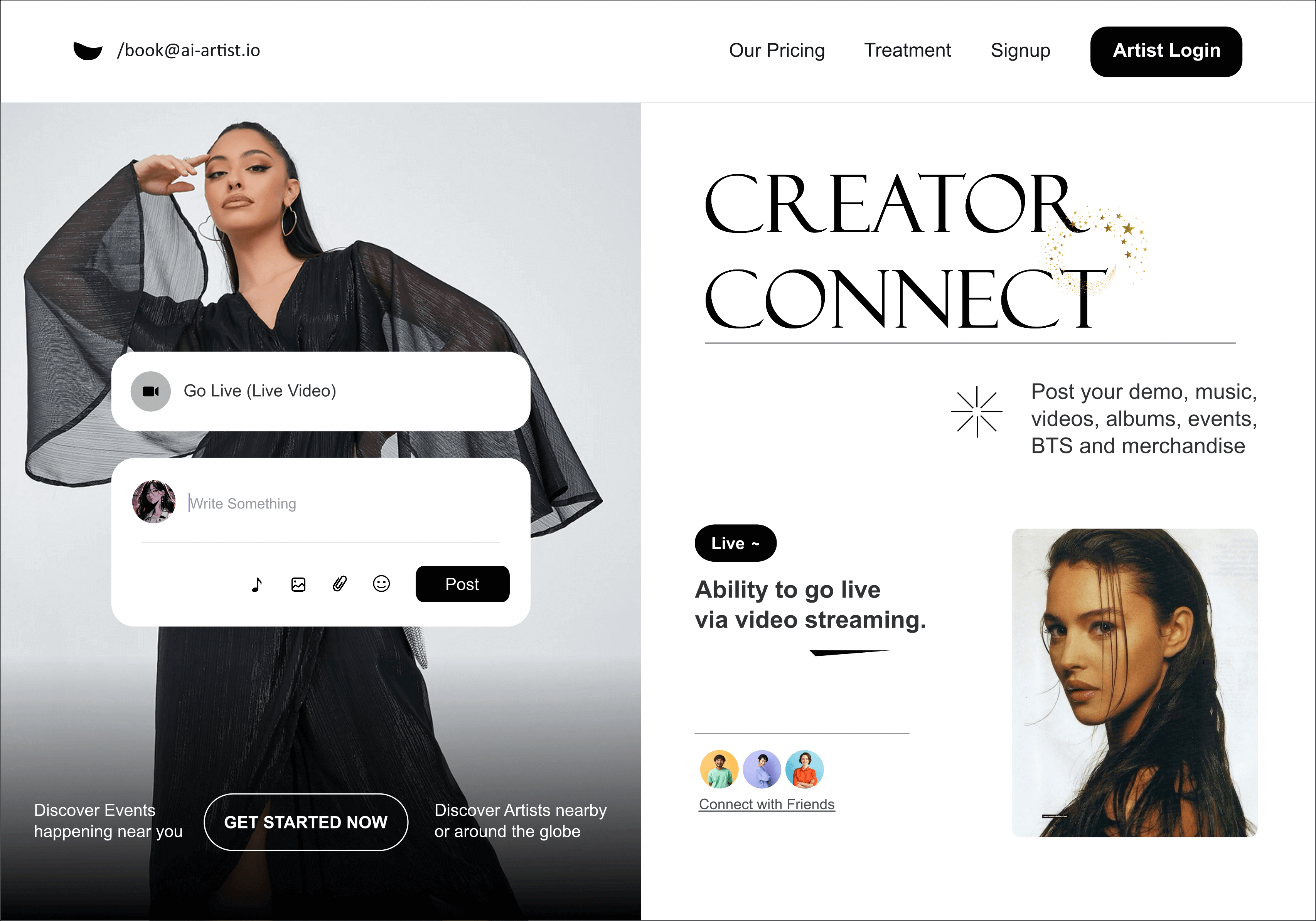
Creator Connect is a quick concept I built in Inkscape to test how well I could recreate a modern interface design outside my usual tools. It's not a full case study but just a small, clean visual concept that shows adaptability and design consistency across different platforms. The layout imagines a landing or hero interface for a creative community where artists can share updates, go live, and connect with their audience.
Why I made this?
Well, I wanted to see how far I could push Inkscape for interface design. It's not the most UI-friendly tool, but it forces you to be deliberate, no auto layout, no grids, just pure manual balance and eye precision. The goal was to build something that feels real enough to exist, but simple enough to show process and control.
What this shows about me?
- I can adapt across design tools and still produce structured, realistic results.
- I focus on readability, spacing, and clarity before anything flashy.
- I know how to translate ideas quickly into clean, professional visuals.
- I value craft and precision, even in short concept exercises.